
Skip to content
HomeIdeasSalesBuild a Sales Page Without a Designer
Back to all workflows
SalesMedium

Build a Sales Page Without a Designer

Describe your offer in a few sentences. Get back a complete, professional sales page as a single HTML file you can open in your browser. No designer needed. No page builder subscription either.

Build a Sales Page Without a Designer

The Problem

You've got an offer. A course, a coaching program, maybe a done-for-you service. You know it's good. But turning it into a sales page that actually converts? That's where everything stalls. You either hire a designer (expensive and slow, with weeks of back-and-forth) or fight with a page builder that gives you templates looking like everyone else's. And even if you get the design right, you still need to write the copy. The headline, the features section, the FAQ, the pricing block. Most small business owners aren't copywriters. So the page ends up too vague or too scattered. Meanwhile, your offer just sits there without a proper home on the internet.

How It Works

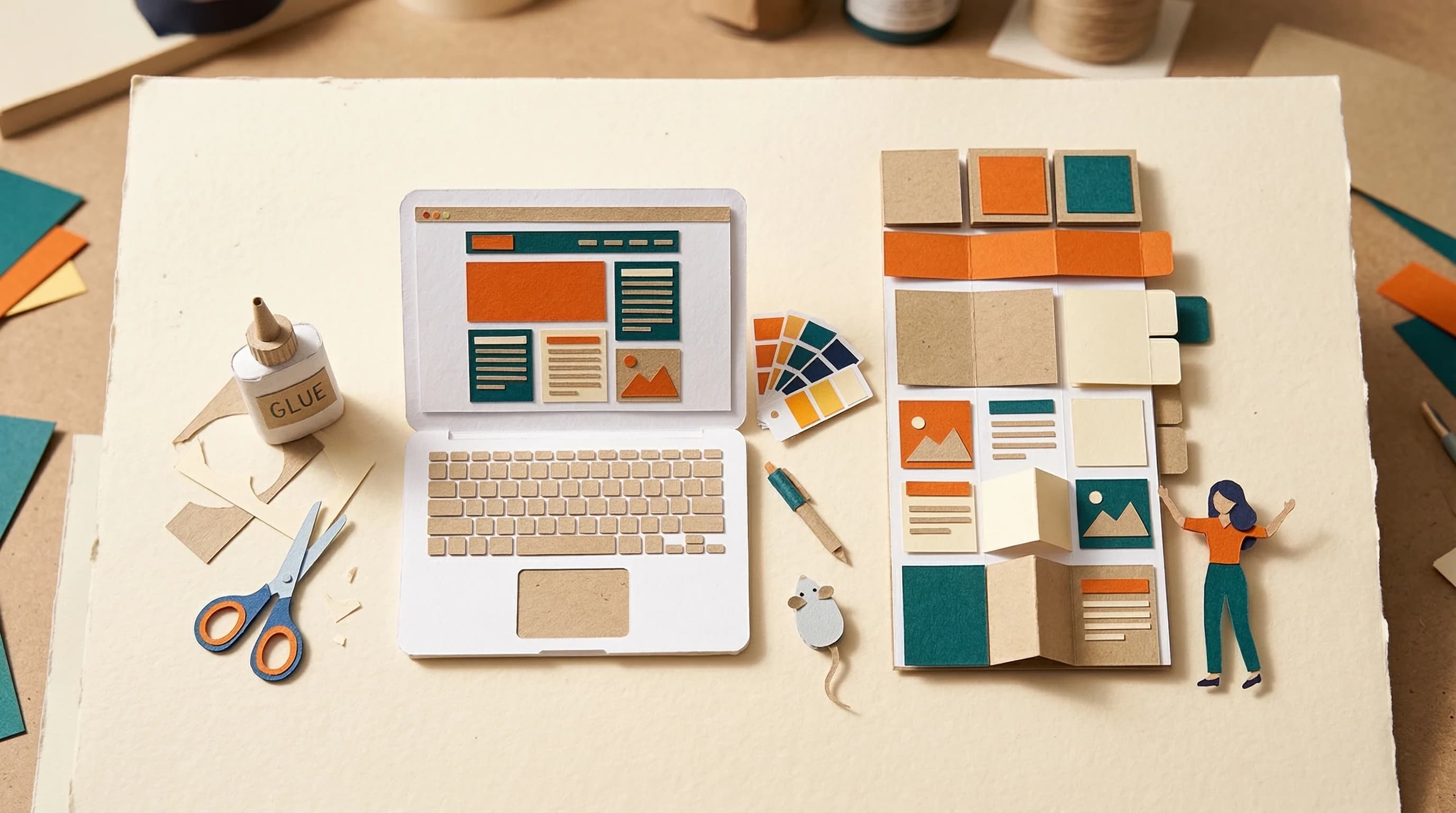
This skill builds a complete sales page from a short description of your offer. You answer a handful of questions: what you're selling, who it's for, the price, the problem it solves. The AI figures out the right page length based on your price point, identifies the objections your buyers will have, and writes every section from hero to final CTA. Then it builds the whole thing as a single HTML file. Not a wireframe. A real, working page with professional fonts, scroll animations, responsive layout, and a color scheme that actually looks good. Open it in Chrome and it looks like a designer built it. Drop it on Netlify and it's live. With the full system, this page also connects to your ad campaigns and email sequences so it doesn't exist in isolation.

Time Savings

Manual effort8-20 hours per page
With this skillMinutes

What You Get

A ready-to-use workflow file that runs on Claude Code. Download it, follow the setup steps, and you're running in minutes.

build-sales-page-without-designer.zip
# Build a Sales Page Without a Designer
 
## What This Skill Does
Describe your offer in a few sentences. Get back a complete, professional sales page as a single HTML file you can open in your browser. No designer needed. No page builder subscription either.
 
## Required Tools
 
## Instructions
 
### Step 1: Load Brand Context
Read the user's CLAUDE.md and /brand folder
to understand target audience and positioning.
 
### Step 2: Research & Analyze
Using available tools, research the market
and competitive landscape for context.
 
### Step 3: Generate Output
Create the deliverables based on the research
and brand context gathered above.

Enter your email to download this workflow

Free. No spam. Unsubscribe anytime.

Technical Setup

Download the skill file and add it to Claude Desktop (Code tab) or paste it into a Claude Cowork project. Run the skill and describe your offer. The AI asks clarifying questions, then builds a complete .html file you can open in any browser. Bring your brand colors (hex codes if you have them), any testimonials, and a clear picture of your ideal buyer. The page adapts to your price point: cheaper offers get shorter, punchier pages. Higher-ticket offers get longer pages with more proof and objection handling.

DifficultyMedium
Time saved8-20 hours per page
Views180

Get the workflow

Download the complete skill file

Join 35,000+ subscribers. Unsubscribe anytime.

Ready to automate your marketing?

Browse all workflows and find the one that fits your business.

Browse all workflows